 Beam
Beam
Your movies,
on the big screen.
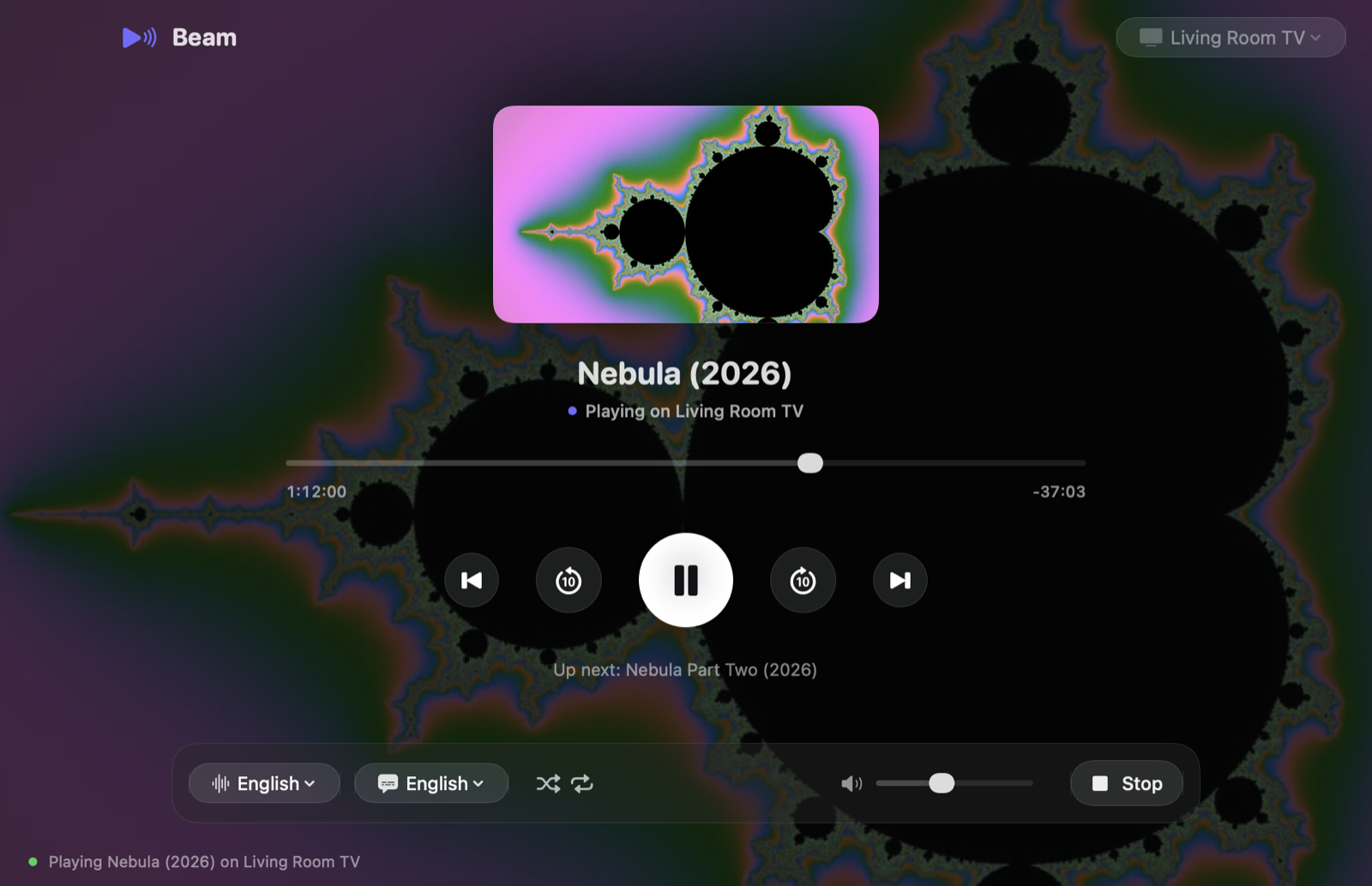
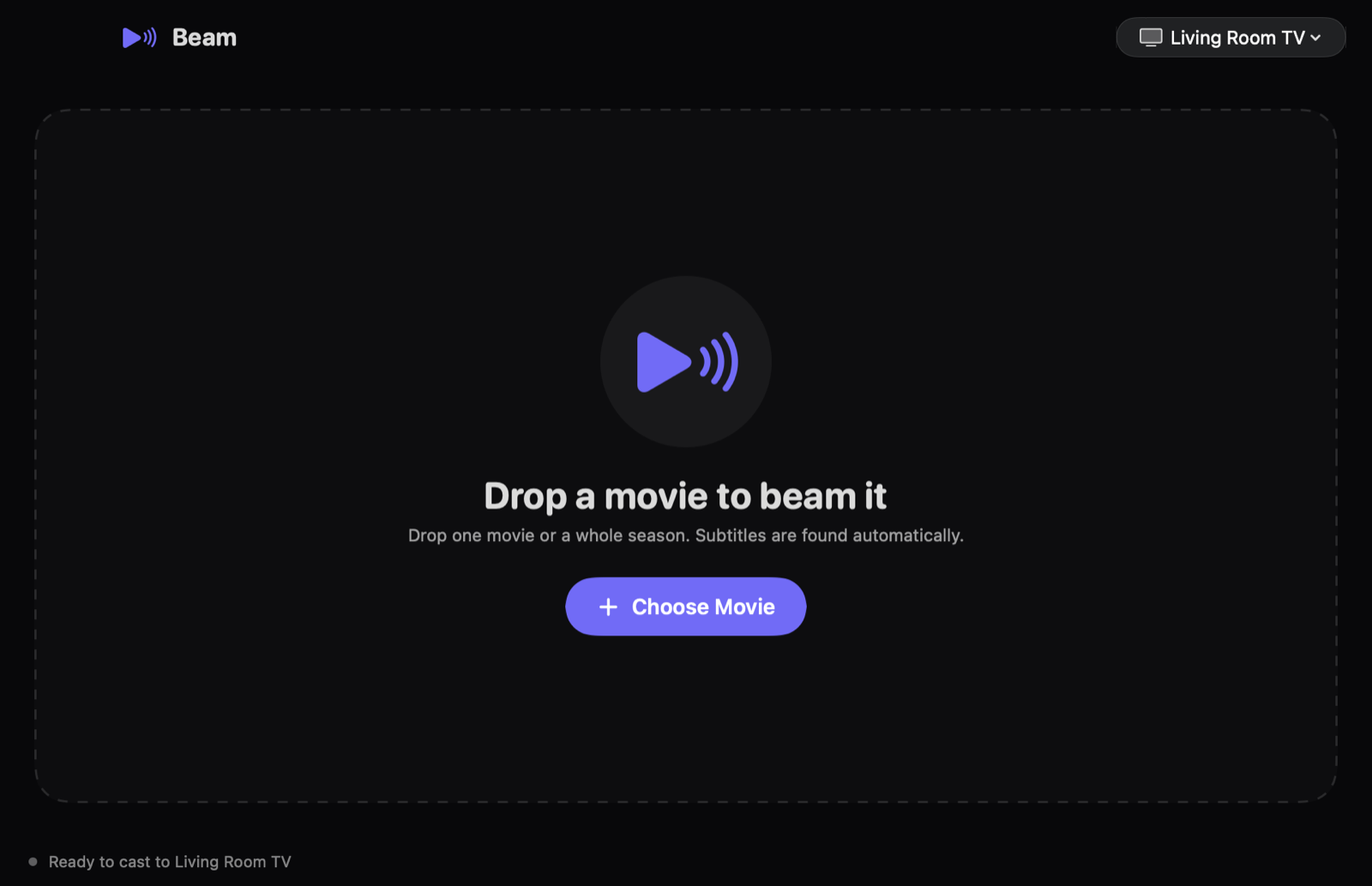
Beam plays the movies on your Mac on any Chromecast or Google Cast TV. Drop a file, press play.
curl -fsSL https://prasad-kumkar.github.io/beam-cast/install.sh | bash
Works with Chromecast, Chromecast with Google TV, Chromecast Ultra, Google TV and Android TV sets (Sony, TCL, Hisense, Philips and more) and other Google Cast receivers.
Everything a movie night needs
Plays what you have
MP4, MKV and MOV up to 4K HEVC, streamed straight from your Mac with no upload or conversion.
Subtitles that just work
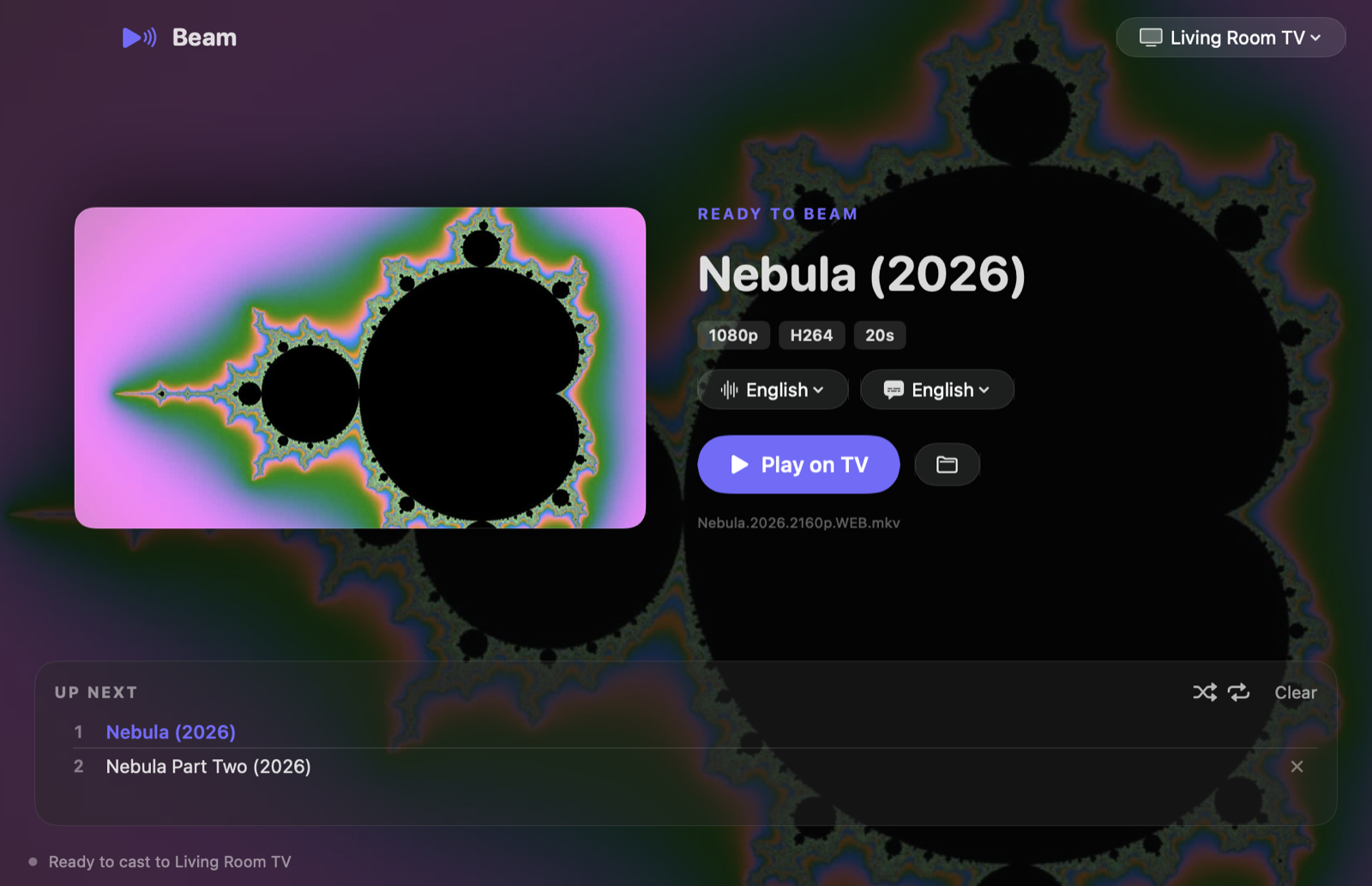
Finds subtitles next to the movie or inside it. SRT, VTT, ASS. Fix timing and style while you watch.
Audio tracks
Switch language or commentary tracks, and Beam remembers your preference.
Up Next
Drop a whole season. Episodes play back to back, with shuffle and repeat.
Resume anywhere
Every movie picks up where you stopped, even days later.
Media keys
Play, pause and skip from your keyboard or Control Center while Beam stays in the background.
Questions
How do I cast a video from my Mac to Chromecast?
Install Beam, make sure your Mac and Chromecast are on the same Wi-Fi network, drop the video file onto Beam, pick your TV in the top-right corner and press Play on TV. Beam streams the file directly from your Mac; you don't need Google Chrome.
Can I cast MKV files from a Mac to Chromecast?
Yes. Beam streams MKV, MP4, M4V, MOV and WebM files to Chromecast and Google TV, including 4K HEVC (H.265) and H.264 video. Playback depends on the codecs your TV supports; MP4 is the most widely supported.
Does Beam show subtitles on Chromecast?
Yes. Beam loads SRT, VTT, ASS and SSA subtitle files automatically when they sit next to the movie, and it can use subtitles embedded in MKV files. You can change subtitle size, color and background, and fix out-of-sync subtitles while the movie plays.
Can I change the audio language when casting to my TV?
Yes. For movies with several audio tracks, such as different languages or a director's commentary, choose the track from Beam's audio menu and Beam switches it on the TV.
Which TVs and devices does Beam work with?
Any Google Cast receiver: Chromecast, Chromecast Ultra, Chromecast with Google TV, Google TV Streamer, and smart TVs running Google TV or Android TV from brands such as Sony, TCL, Hisense and Philips.
Is Beam free?
Beam is free for personal, non-commercial use. Its source code is available on GitHub under the Business Source License 1.1; business and commercial use needs a commercial license.
Does Beam work on Apple silicon and Intel Macs?
Yes. Beam is a native universal macOS app for Apple silicon (M1, M2, M3, M4) and Intel Macs running macOS 13 Ventura or later.
Install
Terminal, one line
Open Terminal, paste this and press Return. Beam installs to Applications and opens, with no security prompt. Run it again any time to update.
curl -fsSL https://prasad-kumkar.github.io/beam-cast/install.sh | bash
Disk image
- Download Beam.dmg and drag Beam to Applications.
- Open Beam. macOS shows "Apple could not verify Beam…" because Beam isn't notarized yet. Click Done.
- Open System Settings › Privacy & Security, scroll down and click Open Anyway. You only do this once.
- When Beam asks, allow Local Network access so it can find your TV.
- Optional:
brew install ffmpegadds poster frames, embedded subtitles and audio track switching. - Prefer an installer? Beam.pkg is available too. To uninstall:
curl -fsSL https://prasad-kumkar.github.io/beam-cast/install.sh | bash -s -- --uninstall